Please note that this blog is archived and outdated. For the most current information click here!
Why UX Flows & Prototypes Are Key in App Development
Project managers often have an idea of how they want the application to look but may not have the creative skills to present a visual explanation of the processes and functionality of the app. Something is needed to translate their abstract idea into something tangible that the designers and developers can use. This is where a UX flow and prototype come into play.
UX Flow
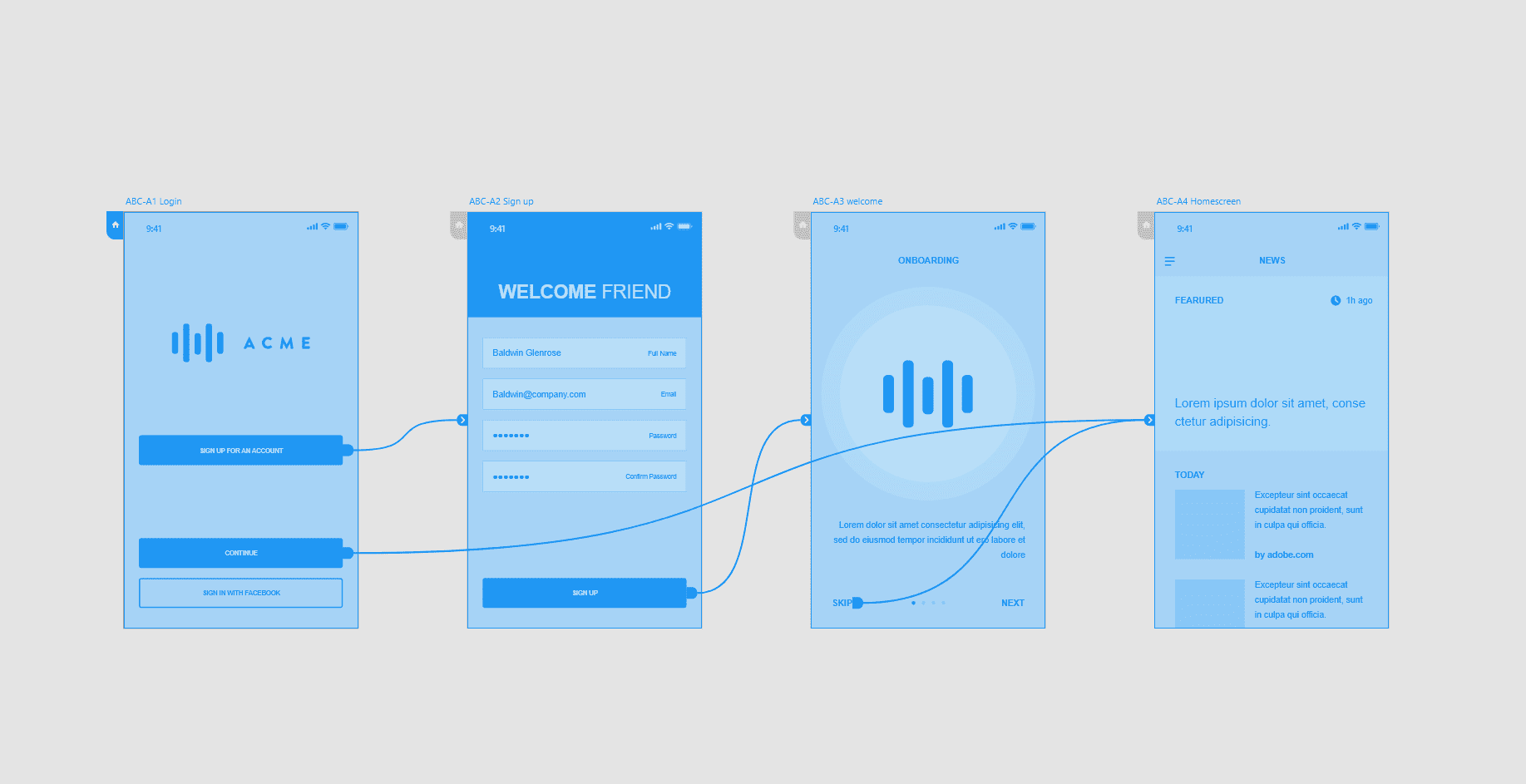
A UX flow uses wireframes to map out the user's experience while they're using the software. These wireframes allow the designer to plan the layout and interaction of an interface in low fidelity or high fidelity (low-fi or hi-fi). A low-fi wireframe won't go into minute detail like the typeface choices. Instead they act as a starting point for a designer to work on the layout. They also give the project manager an idea of the room available for content on each page. The image below is an example of a low fidelity wireframe. It shows how the user can navigate around the application and the general layout of each screen.
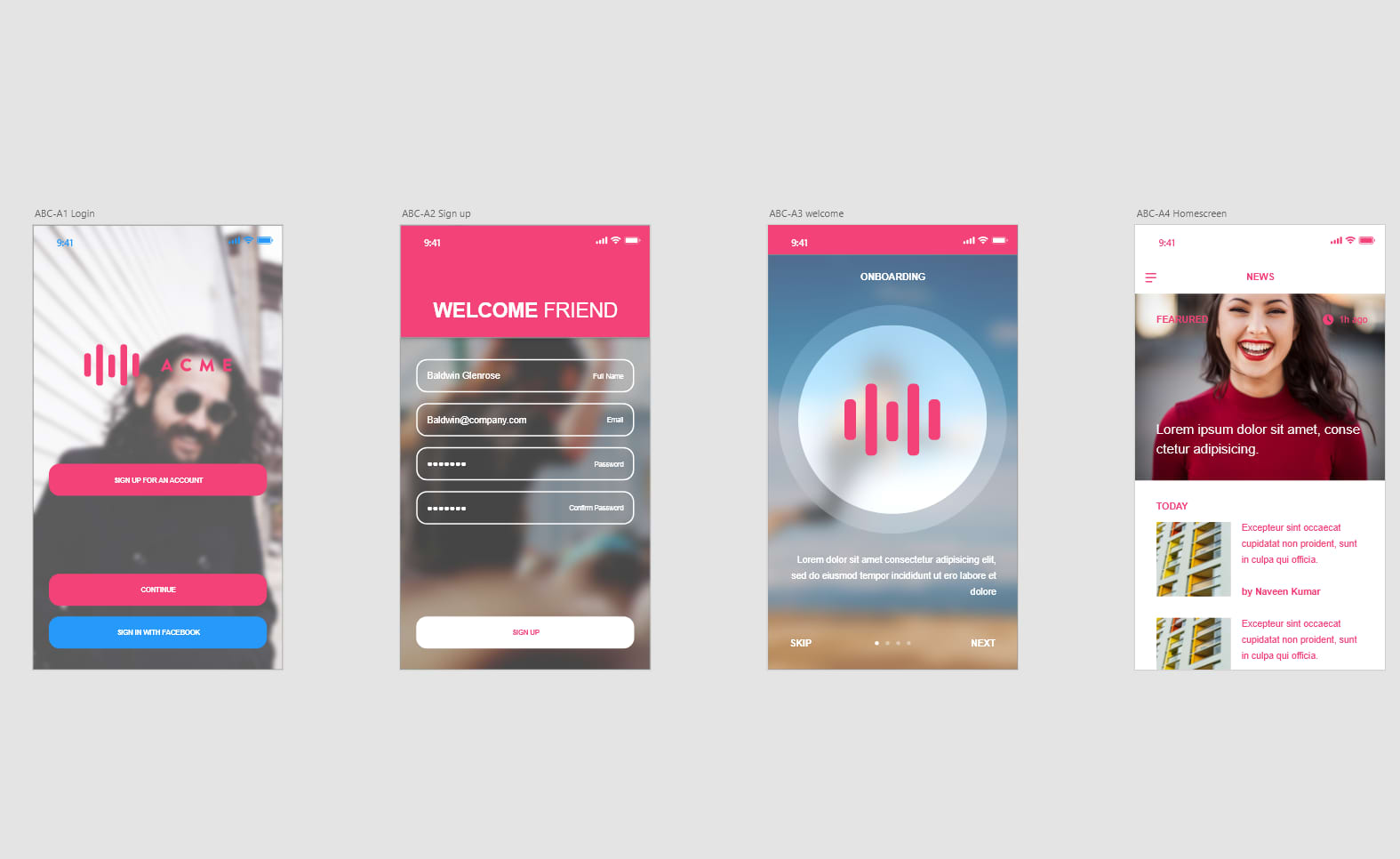
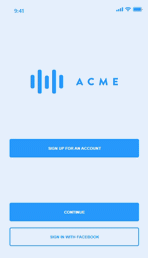
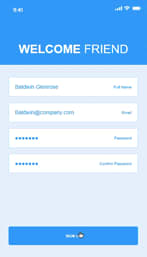
A high-fi mockup is a more detailed version of the UX flow. It has realistic content, specific typeface choices, image dimensions and particular button styles. They are used only to expand out certain low-fi screens that may require more detail.



.png)