How to Take Your Vibe Coded App to the Next Level
Vibe coding makes it easy to get an idea out of your head and into something tangible. You describe what you want, the AI builds
it, and suddenly you have a working product in front of you.
But when that early version starts showing real promise, you eventually reach a point where vibes alone are not enough. This is where vibe coding shifts from being the entire approach to becoming the launchpad.
Taking an app further means strengthening what the AI has created so it can handle real users, real data, and real expectations.
Here is how to approach that transition.
Review the Architecture Before Adding Anything New
Early vibe coded projects often look impressive on the surface, but underneath they can be unpredictable. AI tends to generate code that works right now, not code that is designed for where the product might be heading.
Some common signs appear early:
- Structures that struggle as the app starts to grow
- Logic duplicated across different areas
- Folder layouts that feel rushed or inconsistent
- Functions that drift away from any clear domain model
Before adding new features, it is worth pausing to assess the foundation. Structural issues only become harder to work around over time.
Replace Convenient Defaults With Real World Settings
Vibe coded prototypes rely heavily on defaults. They are fast, convenient, and helpful for getting something running quickly. They are also rarely the right choice once real data or real users are involved.
Areas that often need attention include:
- Authentication left in a starter configuration
- Secrets stored in plain text
- API endpoints that allow more access than they should
- Libraries chosen simply because they were suggested first
- Configuration files that were never revisited
Addressing these early is far easier than fixing security or data issues after launch.
Stress Test the Behaviour, Not Just the Output
A prototype usually behaves perfectly when it is used as intended. Real users do not behave that way.
They click out of order, enter unexpected data, refresh screens mid process, and combine actions in ways you never planned for. This is where AI generated logic often starts to show its weak spots.
To test resilience:
- Try actions in unexpected sequences
- Feed in messy or incomplete data
- Simulate multiple interactions at once
- Interrupt processes halfway through
When something breaks, that is progress. You have discovered something worth fixing.
Add Guardrails for Real World Conditions
AI generated code often assumes everything will go to plan. It rarely includes defensive checks or clear handling for failure, and real systems are not that forgiving.
Adding guardrails helps your app survive outside a controlled environment:
- Validate incoming data properly
- Log activity so issues are visible and traceable
- Guide users when something fails instead of leaving them stranded
- Handle edge cases that only appear through unpredictable use
This work may feel routine, but it is what turns a prototype into something dependable.
Refactor With Purpose, Not Perfectionism
You do not need to rebuild everything. The goal is not perfect code; it is code that is easier to work with tomorrow than it was yesterday.
Focus on improvements that reduce friction:
- Consolidate duplicated logic
- Extract repeated patterns into shared areas
- Rename unclear variables or functions
- Remove complexity that adds no real value
- Organise files so intent is obvious
If the system feels clearer and more predictable, you have done enough.
Decide What AI Should Do and What Humans Must Own
AI is excellent at generating scaffolding, repetitive logic, and quick experiments. It is not a replacement for engineering judgement.
It cannot weigh tradeoffs, design systems for growth, or make informed decisions about security and structure.
A healthy balance looks like this:
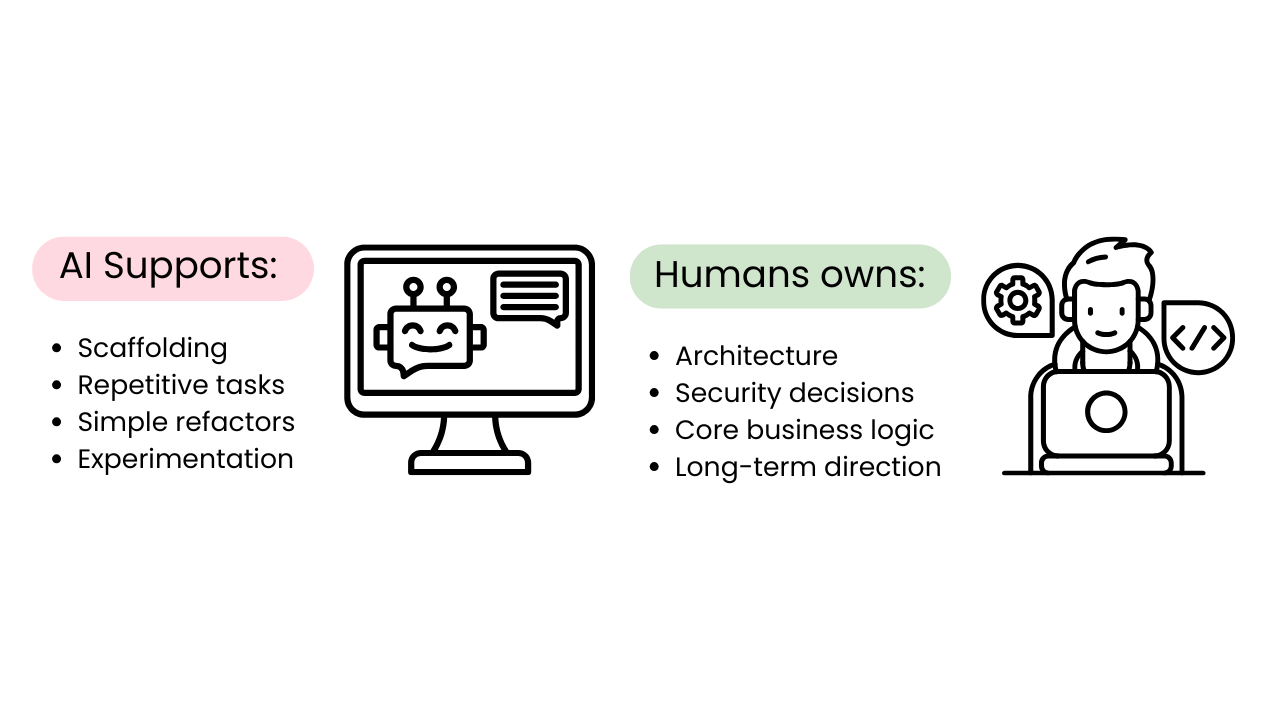
This keeps development moving quickly while protecting the integrity of the system.
Know When to Bring in Experienced Support
Every prototype reaches a point where it stops being a clever demo and starts becoming something people rely on. When that happens, the priorities change.
Teams usually look for support when:
- The existing structure is slowing progress
- Stability becomes more important than speed
- They are preparing for real customers
- Proper pipelines, testing, and operational oversight are needed
- An older system needs modernising and the AI generated layer is not enough
This is not about slowing down. It is about building something that can last.
How WorkingMouse Helps Teams Go Beyond Vibe Coding
Vibe coding helps teams move fast and explore ideas with minimal friction. Turning that momentum into production ready software takes more deliberate work.
WorkingMouse helps teams:
- Strengthen and refine AI generated foundations
- Transform fragile prototypes into scalable systems
- Add the security, stability, and structure required for real world use
- Use Codebots to maintain delivery speed without sacrificing quality
- Support the transition from prototype to production ready software
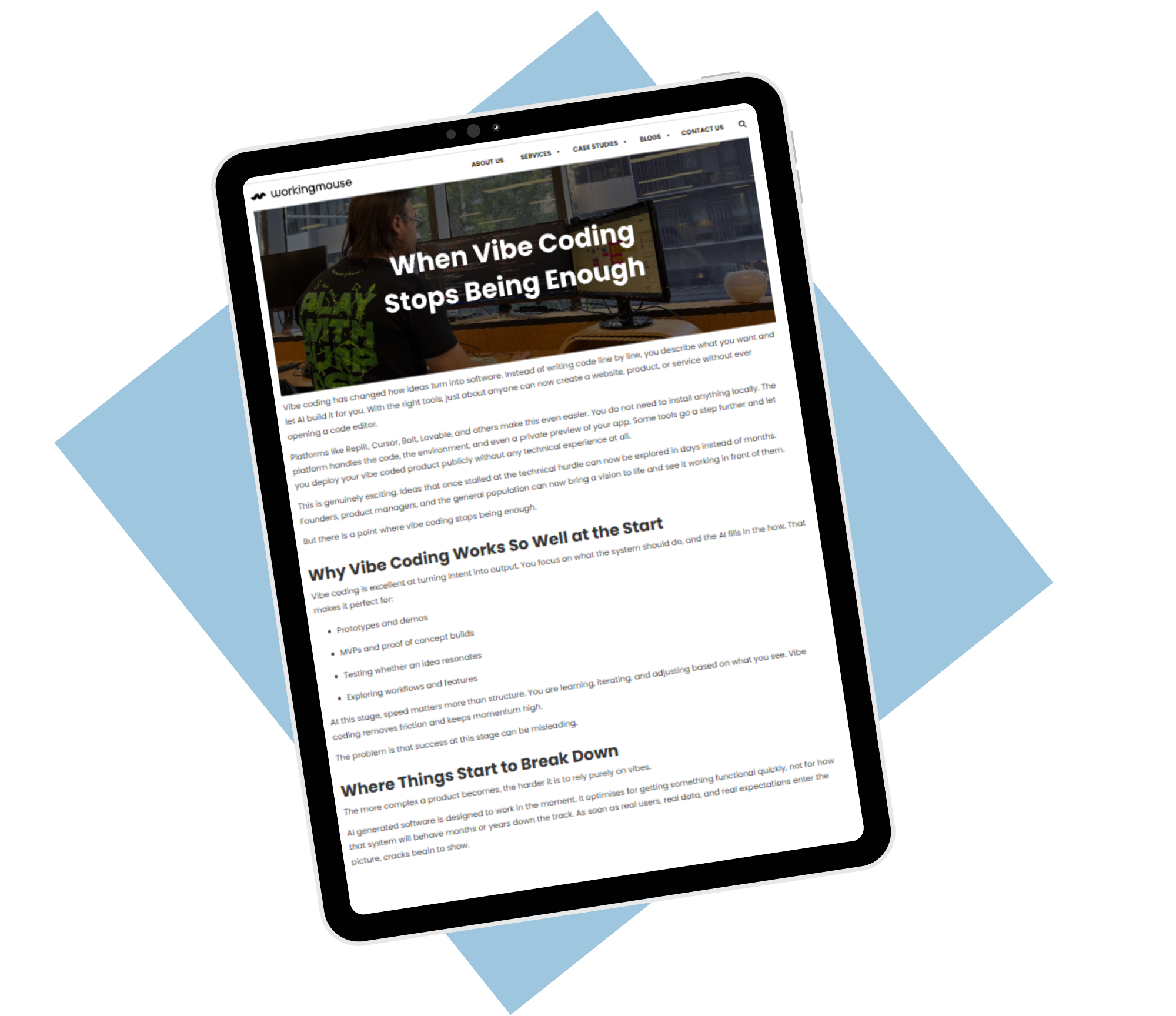
Read the next blog in this series, When Vibe Coding Stops Being Enough, to understand when it’s time to rethink the approach.



.png)